Introduction
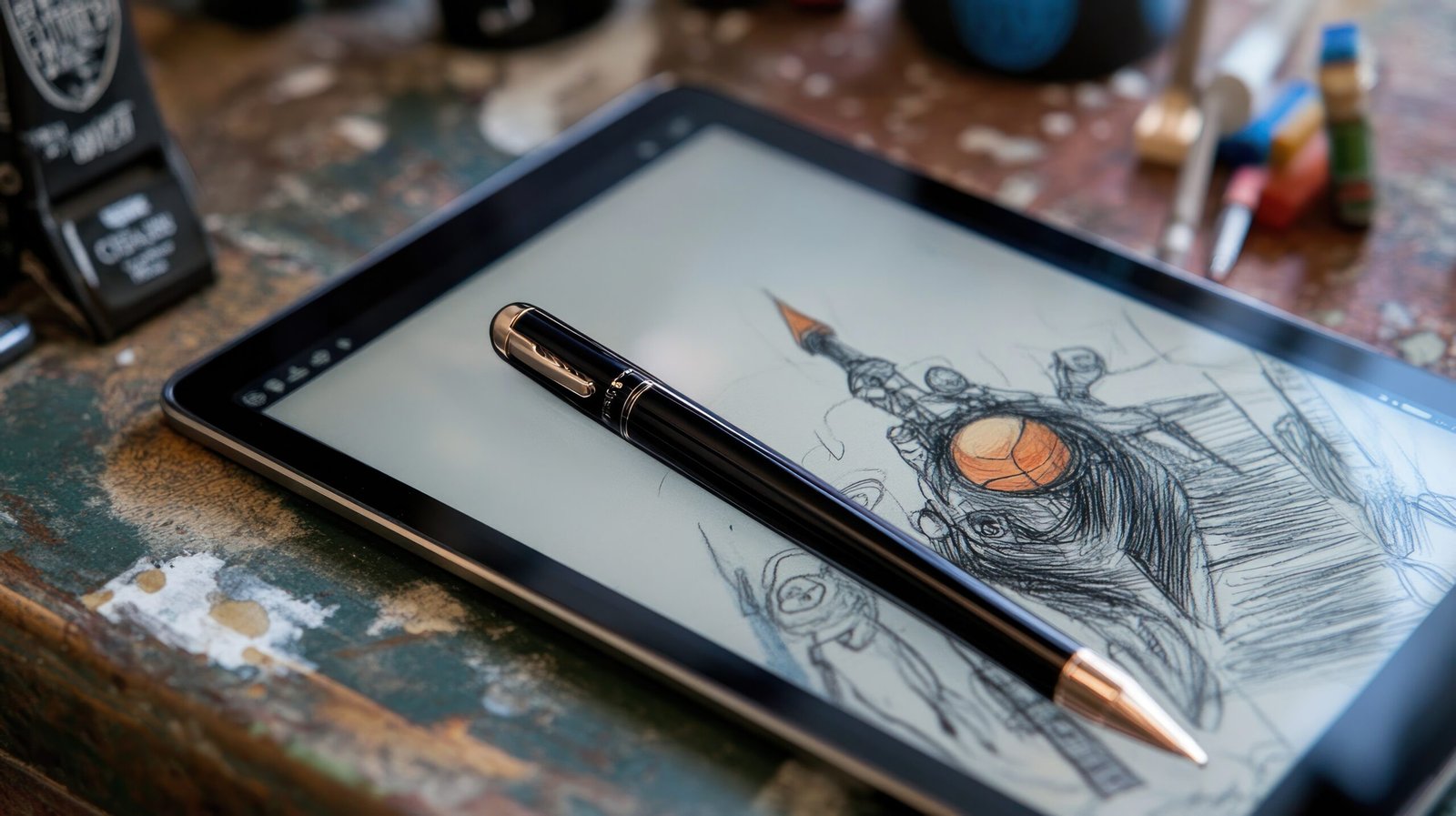
A digital sketchbook is the modern version of a traditional paper sketchbook, allowing artists and creators to draw, sketch, and experiment using digital devices. With the rise of tablets, styluses, and powerful drawing apps, digital sketchbooks have become an essential tool for artists, designers, students, and content creators.
In this blog, we’ll explore what a digital sketchbook is, its benefits, best tools, and how you can use it effectively for creativity and professional work.
What Is a Digital Sketchbook?
A digital sketchbook is a software-based drawing space where users can create sketches, illustrations, notes, and concepts using devices like tablets, smartphones, or computers. It replicates the freedom of a physical sketchbook while adding powerful digital features.
Unlike traditional sketchbooks, digital sketchbooks offer:
-
Unlimited pages
-
Undo and redo options
-
Multiple brushes and layers
-
Easy storage and sharing
Benefits of Using a Digital Sketchbook
1. Portability
You can carry thousands of sketches on a single device, making it ideal for travel and daily practice.
2. Unlimited Creativity
No fear of wasting paper. You can experiment freely with colors, brushes, and styles.
3. Easy Editing
Mistakes can be fixed instantly using undo, layers, or erasers.
4. Professional Workflow
Digital sketchbooks integrate easily with animation, graphic design, and illustration projects.
Best Devices for Digital Sketchbooks
Tablets
-
iPad (with Apple Pencil)
-
Android tablets with stylus support
Computers
-
Drawing tablets like Wacom
-
Touchscreen laptops
Smartphones
Great for quick sketches and idea notes on the go.
Popular Digital Sketchbook Apps
Procreate
Best for professional illustrators and iPad users.
Adobe Fresco
Ideal for vector and raster drawing with cloud support.
Sketchbook (Autodesk)
Simple, lightweight, and beginner-friendly.
Krita
Free and powerful option for desktop users.
How to Use a Digital Sketchbook Effectively
-
Create folders for different projects
-
Practice daily quick sketches
-
Use layers for clean compositions
-
Experiment with brushes and textures
-
Backup your work regularly
Consistency matters more than perfection.
Digital Sketchbook for Beginners
If you’re new:
-
Start with simple brushes
-
Don’t overload with tools
-
Focus on sketching, not finishing
-
Learn shortcuts and gestures
Digital sketchbooks are easy to learn and forgiving for beginners.
Common Mistakes to Avoid
-
Relying too much on undo instead of learning fundamentals
-
Using too many brushes at once
-
Ignoring file organization
-
Not backing up artwork
Final Thoughts
A digital sketchbook is more than just a drawing tool—it’s a creative workspace that grows with you. Whether you’re an artist, student, designer, or hobbyist, digital sketchbooks offer flexibility, efficiency, and endless creative possibilities.
With the right device, app, and practice routine, a digital sketchbook can completely transform how you create and share your ideas.
